0 Under My Thumb, Video Thumbnails
- How To
- by Kingsley H. Smith
- 01/02/2026

When apps are done, and video fun, requires a story to tell, the cover you see, should fill you with glee, and desire to watch curiously. That's what a video thumbnail is supposed to do: make you want to watch. Did you read the first sentence as a limerick?
Photo Editing
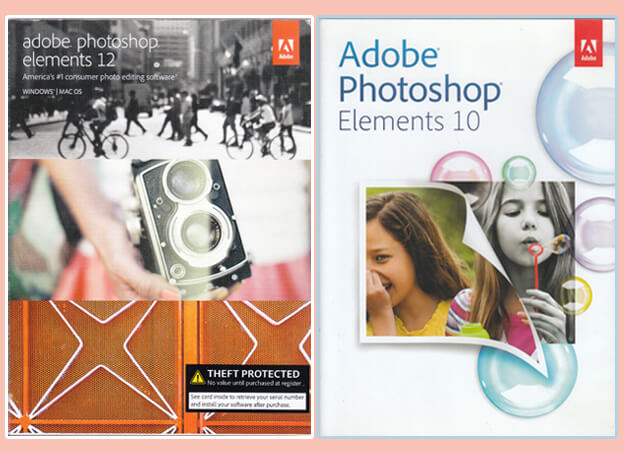
A laptop - desktop version of Adobe Photoshop Elements is an application that I use almost every day. I'm lucky. I purchased Photoshop Elements 10, then Photoshop Elements 12. Those versions cost about $59 each as one time purchases.
"Elements 12" has successfully made the jump from my Windows XP, to Windows 7, to Windows 10, to now a Windows 11 Professional machine.
You can find tons of online instruction about how to use different image editing software suites. It's also fascinating to watch how the mobile versions of social media apps tackle photo editing. Mastering Instagram's system, using two finger dexterity, takes patience.
Here's a quick look, showing you how each layer in the video thumbnail is stacked. A thumbnail is the first frame you see in online videos. I don't go into detail about how to do gradients, opacity adjustments, image background removal, and other topics.
This is how we do it!